Personal blog
Articles, reviews and personal notes about movies, books, games, programming and digital creativity.
Posts full articles
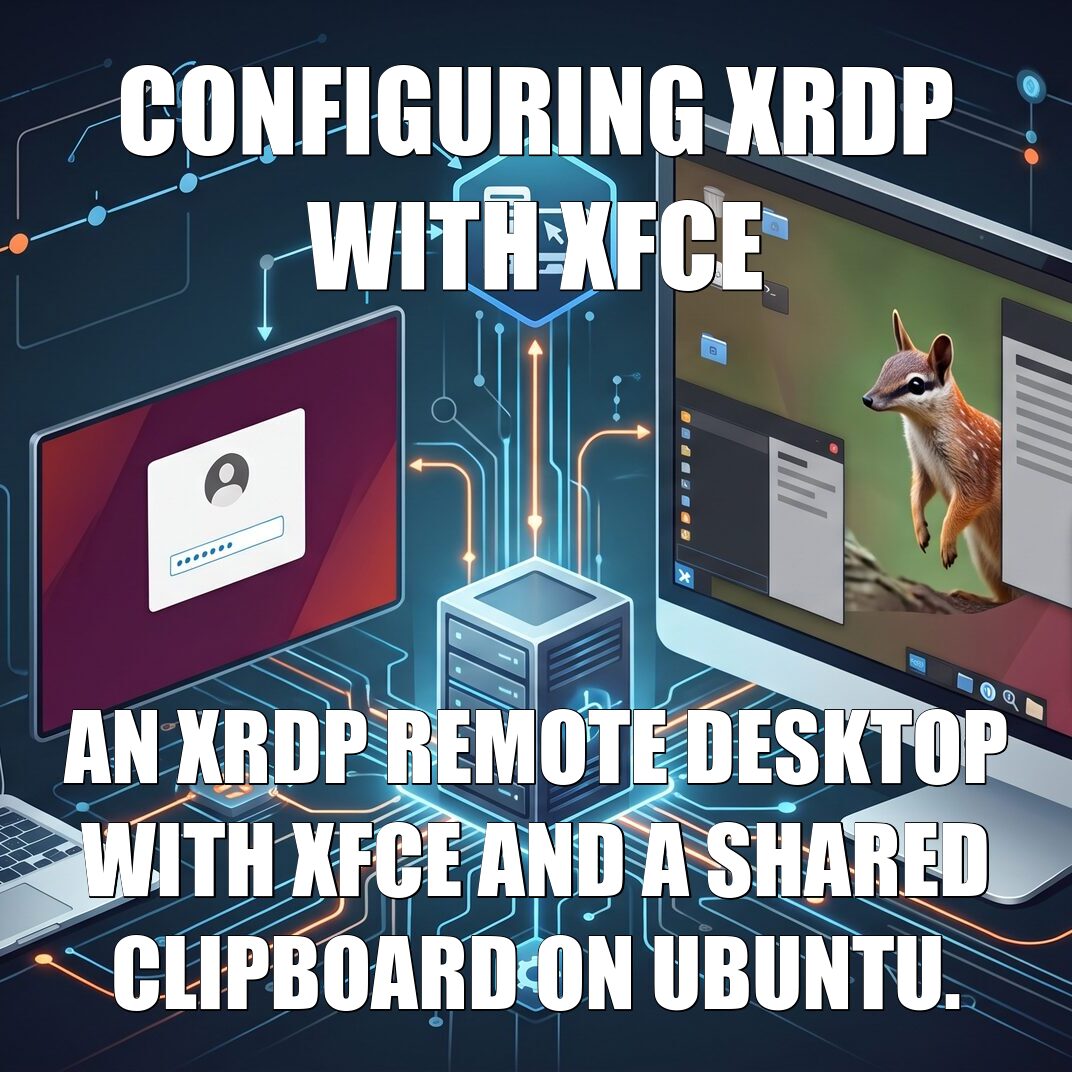
Configuring XRDP with XFCE
An XRDP remote desktop with XFCE and a shared clipboard on Ubuntu.
A step-by-step guide to using the graphical desktop of a headless Linux server, such as a VPS, remotely over RDP. You install xrdp, the XFCE desktop, chosen over GNOME because it is lightweight and suited to a server without a graphics card, and the LightDM login manager; then you give xrdp access to the TLS certificate through the ssl-cert group, to avoid the black screen, and select XFCE as the session.
The heart of the guide is the clipboard shared in both directions: how the CLIPRDR channel and xrdp-chansrv work, which restrictions to lift in sesman.ini, how to get rid of the orphaned chansrv processes that make copy and paste intermittent, and how to paste images or share the client's folders. It closes with turning off compositing if GIMP misbehaves and the advice to expose RDP only through a VPN.
Other tags
Tags with older posts or without published articles yet.
Support us with Buy Me a Coffee.
Buy Me a Coffee